



Creating a home workspace that is both organized and cozy can make a significant difference in your daily productivity and overall well-being. Whether you work remotely full-time or occasionally need a quiet spot for tasks, a thoughtfully arranged space encourages focus and comfort. Here are practical tips to help you design a home office that feels inviting and keeps clutter at bay.
Choose the Right Location
Selecting the ideal spot for your workspace is the first step. Look for a quiet area with natural light if possible. Natural light boosts mood and reduces eye strain, making long work hours more comfortable.
– Avoid high-traffic zones to minimize distractions.
– Consider a room with a door or a corner that can be sectioned off for privacy.
– If space is limited, a well-designed nook or a spot near a window can work well.
Invest in Comfortable and Functional Furniture
Comfortable furniture is essential for creating a workspace you’ll want to spend time in.
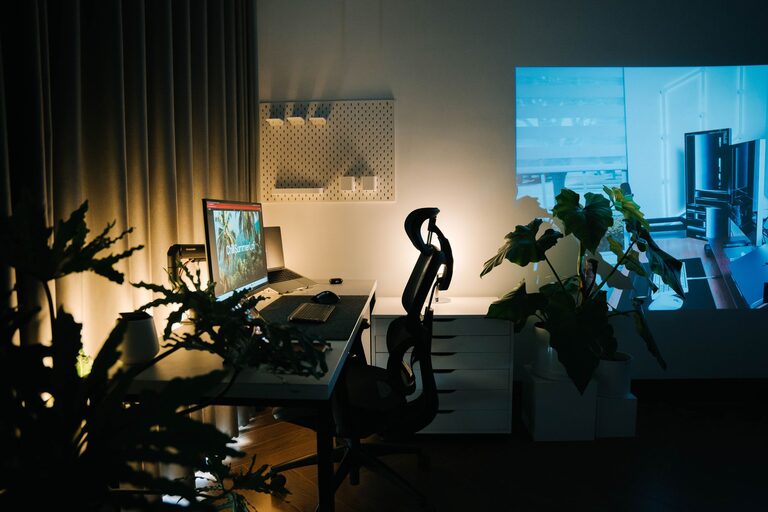
– Ergonomic Chair: Choose a chair that supports your back and promotes good posture.
– Desk: Select a desk at the right height with enough surface area for your work essentials.
– Adjustability: If possible, consider a sit-stand desk to vary your working position.
Organize with Purpose
A clutter-free area helps your mind focus better. Use smart storage solutions to keep everything neat.
– Desk organizers: Use trays, pen holders, and drawer dividers to separate supplies.
– Shelving: Wall-mounted shelves save space and provide room for books, files, or decor.
– Cable management: Keep cords tidy with clips, sleeves, or under-desk trays.
Personalize Your Space
Adding personal touches makes your workspace feel cozy and inviting.
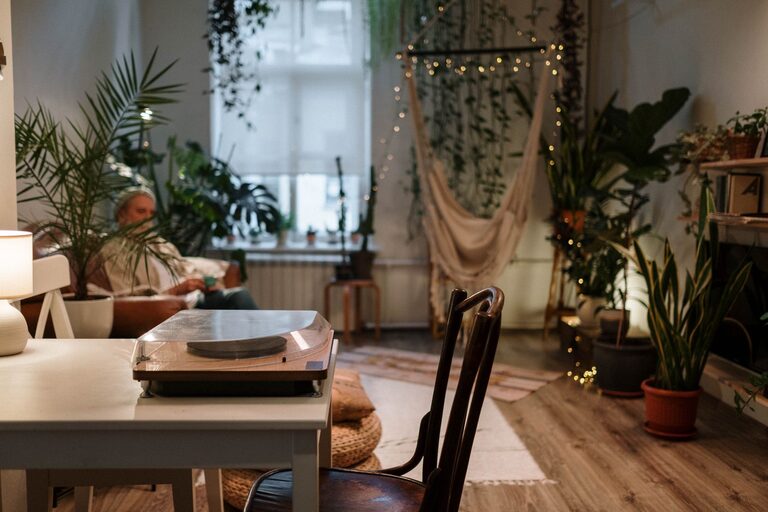
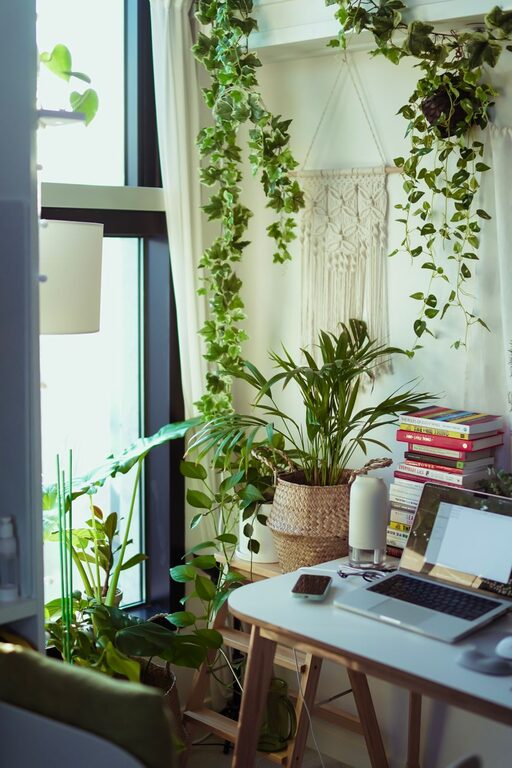
– Plants: Small indoor plants improve air quality and add a calming green presence.
– Artwork or photos: Hang images that inspire or calm you.
– Soft textiles: Include a cushion or throw blanket to add warmth and comfort.
Optimize Lighting
Good lighting reduces eye strain and helps set a productive mood.
– Natural light: Position your desk near a window if possible.
– Task lighting: Use adjustable desk lamps to provide focused light where you work.
– Ambient lighting: Soft overhead lights or floor lamps can balance the room’s brightness.
Maintain a Healthy Work-Life Balance
An organized, cozy workspace isn’t just about physical setup—it also supports a balanced workday.
– Set boundaries: Define your working hours clearly, especially if your space doubles as a living area.
– Regular breaks: Use reminders to stand, stretch, or walk to keep energy levels high.
– Keep essentials handy: Have water, snacks, and any necessary materials within reach to minimize interruptions.
Keep It Clean Regularly
A tidy space helps maintain focus and reduces stress.
– Schedule a weekly clean-up to clear dust, organize papers, and tidy supplies.
– Avoid piling up items; deal with mail and paperwork daily.
– Digitize documents when possible to reduce paper clutter.
Use Technology Wisely
Technology helps your workflow run smoothly but can also add clutter.
– Uninstall unused applications.
– Use cloud storage to save space and allow easy access.
– Manage notifications to minimize distractions.
Create Zones If Possible
Separating different work functions can enhance organization.
– Designate areas for computer work, reading, brainstorming, or phone calls.
– Use rugs or furniture placement to visually define these zones.
—
By following these tips, you can create a home workspace that supports productivity and feels like a welcoming retreat. A balance of organization and comfort allows you to work efficiently while enjoying the calming atmosphere of your personal space. Start small, personalize your setup, and adjust as needed to make your ideal home office a reality.